Play Stockfish on your ordinary physical chessboard, using just a camera and a Mac. No electronic board, sensors or special pieces required.
I'm developing Camera Chess. You make a move on the board, the digital position follows, and the Mac speaks Stockfish's reply. You move both sides' pieces yourself. Recognition and engine play run locally after setup.
Currently: Apple Silicon macOS, installed from source.
Source and setup | Full 73-second demo
1. From an opening to your favourite endgame
Start a normal game, or set up a position you want to practise. For an endgame, scan the board, choose your side, confirm the position and whose turn it is, then play against Stockfish.
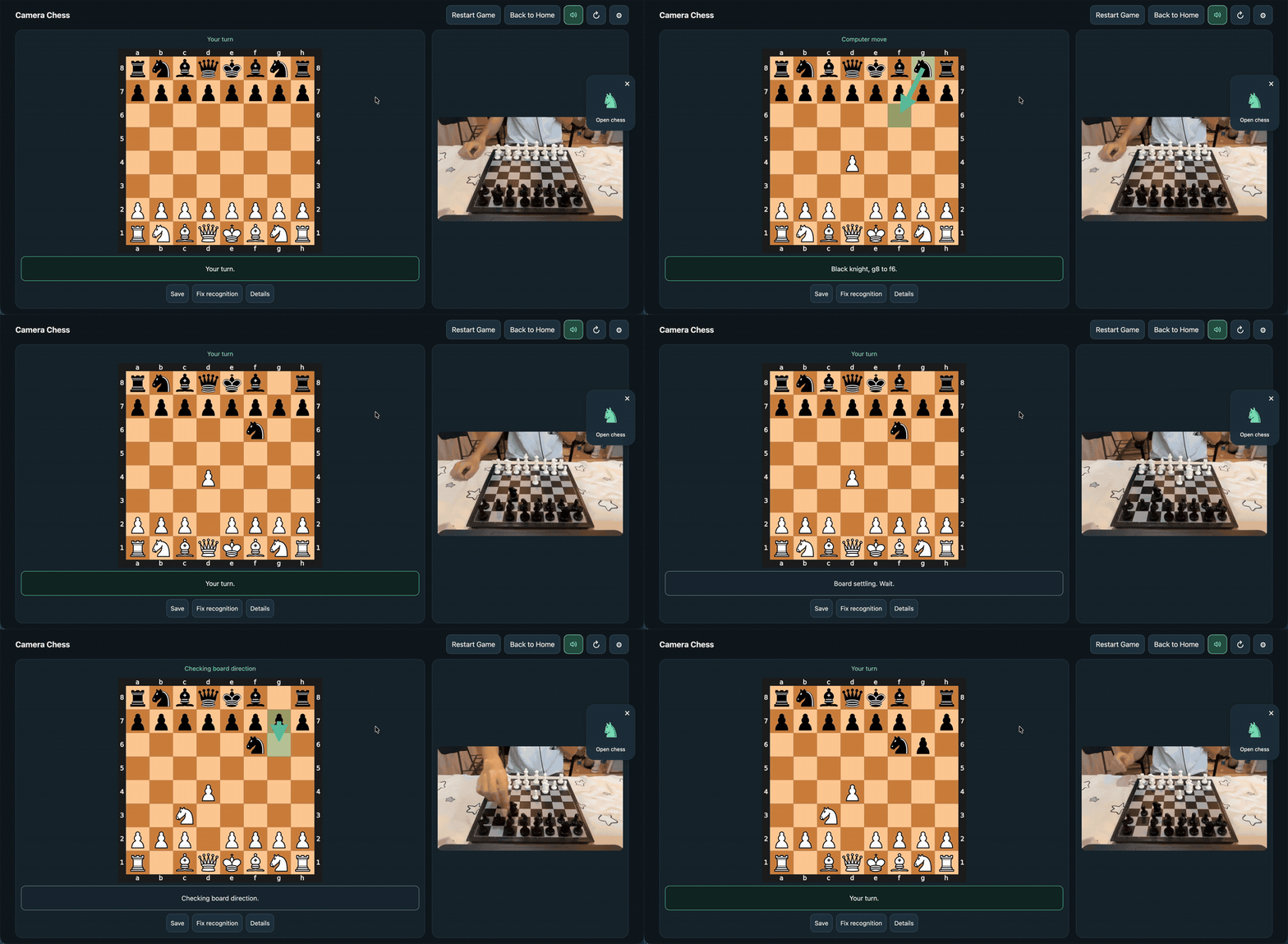
Normal opening play — earlier version and UI, before the latest recognition improvements.
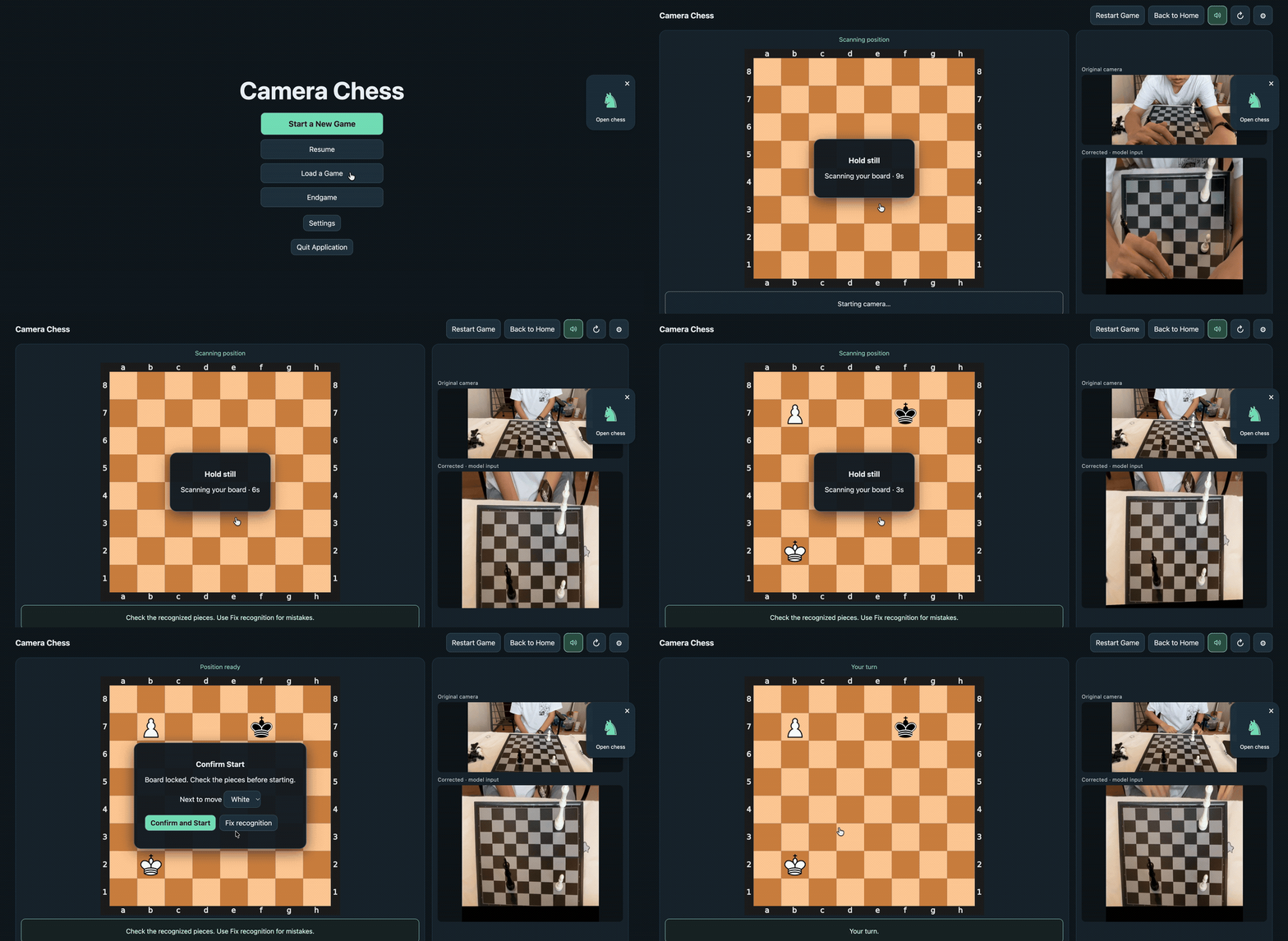
Current endgame setup. The color-selection pause is cut; scanning and confirmation run at original speed.
There are four difficulty settings, spoken moves, named saves and a correction screen for misread squares. All demo exports are silent; the app itself speaks moves.
2. No spare queen? Keep the pawn
You can leave the physical pawn on the board after promotion. The app remembers its promoted identity and follows its subsequent moves as that piece. The full video above shows Queen / Keep pawn, manual confirmation and continued play. All four promotion choices are implemented; this recording demonstrates the queen case.
How physical substitutes are tracked
3. Turning camera readings into usable moves
The key is to combine uncertain piece readings with the known position and candidate moves, then check agreement across frames before accepting an update.
Code: Select all
Camera -> perspective correction -> piece probabilities
       -> candidates from the previous position
       -> scoring + checks across frames -> accepted move
-> Stockfish replyTracking felt noticeably smoother in my latest real-board session. Broader testing across lighting, piece styles and occlusion is still needed, especially recovery after a wrong accepted move.
4. What the offline test measures
Given a constructed previous position, can the scorer select the correct whole-board placement from its candidates? I compared methods on 176 real photographs from Felix Fabricius's robot-chess-commentator dataset, with identical recognizer outputs and one sampled predecessor per photo.
Correct whole-board selections out of 176 photos:
Code: Select all
Candidate scorer             Correct       Percentage
Fixed log-probability         114 / 176       64.77%
CRF v1                       125 / 176       71.02%
Changed-square MLP (default) 128 / 176 72.73%Full evaluation and all models | Experiment log
5. Try it with your own board
Setup requires Apple Silicon macOS, Python 3.12, Xcode Command Line Tools and Stockfish. This version focuses on local engine play. git repo wiht Installation instructions
If you used this with your own chessboard, what would matter most: reliable move detection, fast responses, or easy recovery when the camera makes a mistake? I'd love to hear which boards and camera setups you would try.
Thanks for taking a look!